Migrating from Wix to WordPress: Say Goodbye to the Website Builder

Wix was a quick start—I'll turn it into a WordPress website that's truly yours: faster, more flexible, and without a monthly subscription.

Why Wix Websites Fail in the Long Run

Subscription costs are rising, but service isn't

Wix raises its subscription prices regularly—if you need business features, you can quickly end up paying several hundred euros a year. With WordPress, the only ongoing costs are for hosting.

Your website does not belong to you

Wix doesn't offer an export option: If you leave the platform, your website stays behind. With WordPress, the design, content, and data belong to you—you're free to choose your hosting provider and service providers at any time.

Load Times and SEO Are Reaching Their Limits

With Wix, you have little control over loading times and technical aspects—and on mobile devices in particular, this costs you visitors and search rankings. WordPress can be optimized in a targeted way, from hosting down to the very last image.

Wix vs. WordPress: A Comparison

Wix and WordPress follow two fundamentally different models: Wix rents you a website through a subscription—WordPress is yours. As long as your needs remain modest, the difference is hardly noticeable. It becomes apparent as soon as the website needs to grow: in terms of loading times, SEO, features, and ongoing costs.

Wix WordPress
Ownership The website remains with Wix—export is not possible Belongs to you; you can choose your own hosting provider
Ongoing Costs Monthly subscription, regular price increases Hosting only – a few euros a month
Performance Hardly any impact on loading times Full control, measurably optimizable
SEO Basic features, limited expandability Professional tools such as Rank Math
Features App Market with Limitations Huge plugin ecosystem plus custom development

To be fair: Wix may be sufficient for a small hobby project or a simple business card website. But as soon as the website is intended to attract customers, switching to WordPress almost always pays off.

What's Involved in Switching from Wix to WordPress

kicker_ablauf

Here's How to Switch from Wix to WordPress

  1. Assessment: I’ll review your Wix website—pages, features, URL structure—and determine what can be carried over and what would be better addressed with a new solution.
  2. Proposal & Binding Quote: You will receive a binding quote that clearly outlines the scope of work, the timeline, and an estimated start and end date for each work package.
  3. Parallel Development & Design Replication: The new WordPress website is built in a protected environment—your design and templates are replicated individually, while your Wix site continues to run unchanged.
  4. Content Migration & Redirects: Your content will be fully migrated and reviewed, and every old URL will be set up with a 301 redirect.
  5. Launch & Training: Switch the domain over on the date of your choice, receive training, and monitor the rankings afterward—cancel your Wix subscription only after that.

The Investment

How much does it cost to migrate from Wix to WordPress?

Migrating from Wix to WordPress is, technically speaking, a complete rebuild: Your content can be transferred, but the design and templates must be recreated individually in WordPress—a modular layout cannot be transferred 1:1. Pricing is therefore calculated on a case-by-case basis based on the number of pages—with a binding range estimate rather than a flat fee.

Since your design serves as a template and the text and structure are already in place, you’ll save money compared to a completely new website—the time-consuming conceptual phase is largely eliminated, and Wix sites are usually compact anyway. The cost overview provides a sense of the price range (a new website starts at 2.490 € net).

Especially when moving away from a template-based system, it’s often worth taking advantage of the transition to create a custom, fresh design right away—which is significantly more cost-effective than a separate relaunch later on. Plus, once you’ve made the switch, you’ll no longer have to pay monthly Wix fees; you’ll only pay for hosting and the domain, and the website will be yours.

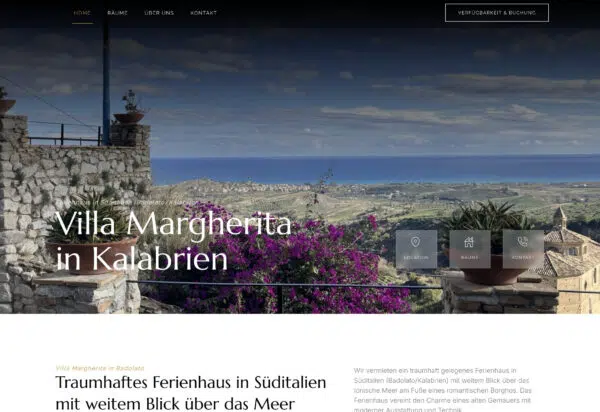
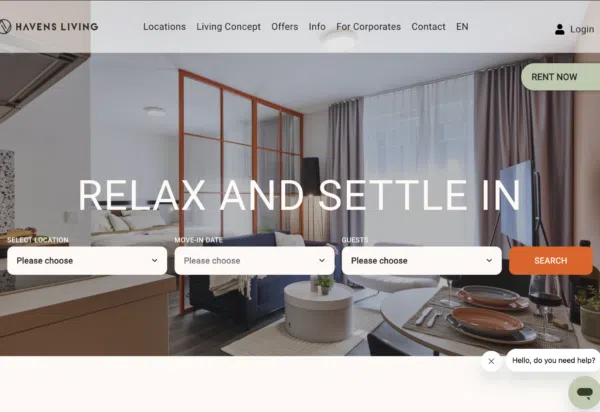
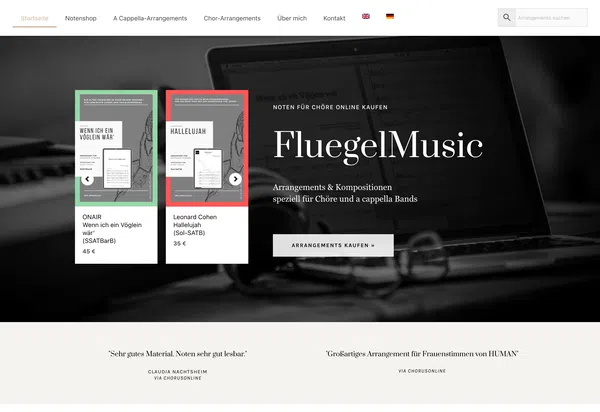
Web Design Examples: Here's What Your New Website Could Look Like

What My Clients Say

Let's talk about your switch to Wix

As part of the free assessment, I’ll review your Wix website and provide you with an honest evaluation of whether and how switching would be worthwhile for you—with no obligation.
Attachments:

Frequently Asked Questions About Switching from Wix to WordPress

Wix is fine for getting started quickly without a budget. But as soon as the website is meant to attract customers, WordPress is the clear choice: The website belongs to you, loading times and SEO can be optimized specifically for your needs, and instead of rising subscription fees, you only pay for hosting.

Yes—I’ll transfer all text, images, and the page structure to WordPress in their entirety and verify them against the original. The design and templates will be recreated from scratch—a modular layout cannot be transferred 1:1; I’ll rebuild forms and functions from scratch, usually making them more flexible than before.

Google generally re-evaluates a migrated website—fluctuations can never be completely ruled out. However, by setting up 301 redirects for every old Wix URL, carrying over the metadata, and monitoring the process through Google Search Console, I minimize the risk and make adjustments as needed after the site goes live.

Depending on the scope, this typically takes 2 to 6 weeks. Your existing Wix website will continue to run without any restrictions—the switch will not take place until the new WordPress site has been fully tested. You should not cancel your Wix subscription until the site has gone live successfully.

The migration involves rebuilding the site in WordPress: The content can be transferred, but the design and templates will be recreated individually in WordPress. Pricing is calculated on a case-by-case basis based on the number of pages, with a binding range estimate rather than a flat fee. Since your design serves as a template and Wix sites are usually compact, the effort involved remains manageable; additionally, there are no Wix fees. You’ll receive the exact price after the free review—you can find approximate prices on the Pricing page.

If the website is a hobby project, is rarely updated, and the subscription costs aren't a concern—then there's no urgent need to take action. It's worth switching as soon as you want to attract customers through the website, need more features, or start questioning the rising fees.