Migrating WordPress: Changing Servers and Domains Without Downtime

New hosting or a new domain? I'll migrate your WordPress website—with no downtime, no loss of emails, and clean redirects.

Why Many People Put Off Switching Hosting Providers

Slow or Expensive Hosting

Long loading times cost visitors and hurt search rankings, while rising contract prices strain the budget. Still, many stick with their old hosting provider—out of fear that moving to a new one might cause problems.

Fear of Downtime and Data Loss

A website that’s offline for days, or a database that’s only partially migrated—these kinds of horror stories result from doing things in the wrong order. With thorough preparation, the switchover is a non-event.

DNS, SSL, email—too much technical stuff

DNS entries, MX records, SSL certificates, database access—there are many factors to consider when moving a website, and even one mistake can affect accessibility. I’ll handle the entire technical process for you.

Moving Your Hosting on Your Own vs. With a Professional

Technically speaking, the process of migrating a WordPress site is well documented—and yet, websites regularly go offline, emails disappear, or SSL certificates fail during the process. The difference rarely lies in the tool itself, but rather in the order of steps, testing, and having a Plan B.

On Your Own With a professional
Downtime risky—DNS and database errors can quickly lead to downtime virtually zero – the switchover occurs only after a complete test
Email inboxes are often forgotten and lost are inventoried, migrated, and smoothly transitioned
Database & Files Manual Export/Import with Pitfalls Complete migration, including backup and verification
SSL & HTTPS Certificate Errors and Mixed Content Warnings Certificates and URLs are being migrated smoothly
Time commitment Many evenings and uncertainty A few hours, scheduleable for your preferred date

To be fair: Many hosting providers offer their own migration tools that work well for standard installations. But as soon as email accounts, a domain change, or special configurations come into play, hiring a professional pays off—at the latest when the first problem arises.

What's Involved in Migrating WordPress to a New Hosting Provider

kicker_ablauf

Here's How the WordPress Migration Works

  1. Assessment: I’ll review your hosting, domains, email accounts, and any special features of your WordPress installation—and you’ll receive a reliable cost estimate.
  2. Preparation: Back up the entire website, set up the new hosting, and copy the installation to the new environment.
  3. Test on the new hosting platform: The copy is thoroughly checked—pages, forms, plugins, load times—while your website continues to run as usual.
  4. Migration: DNS migration on the desired date with minimal downtime, including SSL and email migration.
  5. Follow-up check: Verify accessibility, redirects, and Search Console—only then should the old hosting service be canceled.

The Investment

How much does it cost to migrate a WordPress site to a new hosting provider?

A simple hosting migration is straightforward: I charge by the hour95 € —and most migrations are completed in just a few hours. If the project involves a domain change, multiple email accounts, or special configurations, I’ll provide you with a reliable estimate in advance.

After the free assessment, you’ll know what to expect. All prices at a glance: Web design costs.

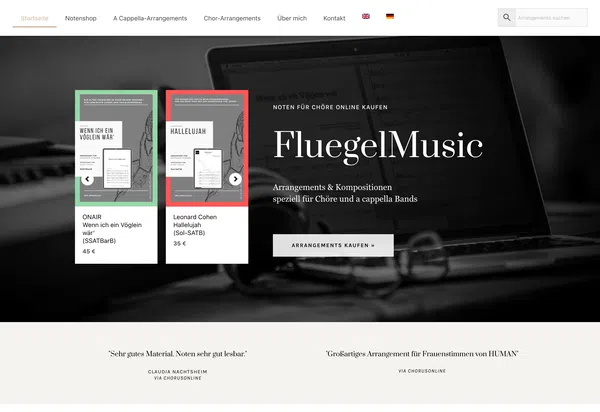
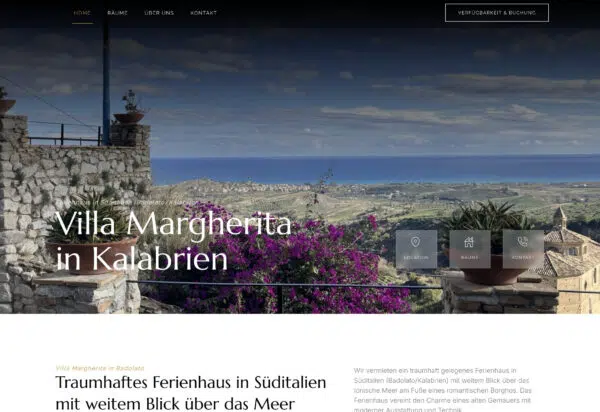
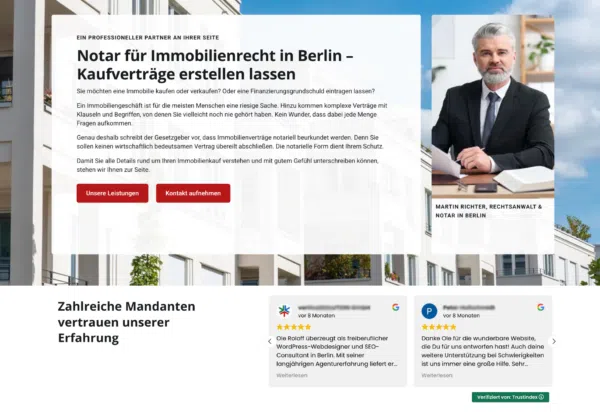
Web Design Examples: Here's What Your New Website Could Look Like

What My Clients Say

Let's talk about switching your hosting provider

During the free assessment, I’ll review your hosting, domains, and email accounts—and you’ll receive an honest estimate of what the migration will cost and how to complete it without any downtime.
Attachments:

Frequently Asked Questions About WordPress Migration

Normally, you won't even notice it. The website is first copied in its entirety to the new hosting server and tested there—only then is the domain switched over. Thanks to preconfigured DNS settings, the switchover usually takes just a few minutes, and the site remains accessible to visitors the entire time.

All mailboxes, aliases, and forwarding rules are recorded in advance, set up in the new configuration, and the MX records are updated to ensure that no emails are lost. Upon request, I can also migrate the mailbox contents—or the emails can remain with the previous provider while only the website is moved.

If the domain remains the same, practically nothing changes for Google—faster hosting can even have a positive effect. If the domain changes, Google re-evaluates the website; by setting up 301 redirects for each old URL and monitoring the process through Search Console, I minimize the risk.

That depends on your budget and requirements. It’s important to have the latest PHP versions, daily backups, good support, and—for most of my clients—a server location in Germany. I provide independent advice and recommend the hosting solution that’s right for your website, not the one that pays the highest commission.

We bill on an hourly basis at 95 € —a standard move is usually completed in just a few hours. After the free on-site assessment, you’ll receive a reliable estimate; nothing will cost more without your approval.

Yes—if the migration involves switching to WordPress. I can fully migrate websites from Jimdo, Wix, Squarespace, Webflow, TYPO3, Joomla, or Drupal to WordPress. I do not offer server migrations for other systems that do not involve switching to WordPress.