Switching from TYPO3 to WordPress: Comparison & Safe Migration

Break Free from Agency Dependence: I’ll migrate your TYPO3 website to WordPress so your team can maintain it on their own—without any data loss and with a well-thought-out redirect strategy to preserve your search rankings.

Common TYPO3 Pain Points

The agency needs every little thing

A new teaser, an image swap, an additional subpage—and yet another ticket for the TYPO3 agency. With WordPress and Elementor, your team can handle these kinds of changes on its own, in minutes instead of days.

Expensive upgrades every few years

Every major TYPO3 LTS version release is a separate project with a four-figure budget—and anyone who skips it is left with an insecure legacy version. WordPress updates continuously, without the need for expensive migration projects.

Editors are struggling with the backend

Nested page trees, cryptic content elements, and the fear of breaking something: The TYPO3 backend overwhelms casual editors. WordPress can be learned in an hour—and it forgives mistakes thanks to revisions.

TYPO3 vs. WordPress: A Comparison

TYPO3 is a powerful enterprise CMS—but for many small and medium-sized businesses, it’s simply overkill. Every text change requires an agency, LTS upgrades cost four-figure sums every few years, and editors struggle with a backend built for corporate workflows. WordPress offers the same range of features for most small- and medium-sized business websites—with significantly lower ongoing costs and maintenance that your team can handle without a marathon of training sessions.

TYPO3 WordPress
Care provided by our own team Labor-intensive; usually requires an agency Can work independently after a brief training session
Update Costs LTS upgrades often run into the four-digit range Ongoing updates, minimal effort
Extensions Limited selection, often custom-developed Huge, proven plugin ecosystem
Service Provider Market Few specialists, higher rates Large—no dependence on an agency
Typical Applications Corporations, complex legal workflows SMEs, medical practices, law firms, retail stores

To be honest: If you have group-wide approval workflows, complex multi-client structures, or strict enterprise requirements, TYPO3 is a great choice for you. For everyone else, the switch usually pays for itself by the second year—simply by eliminating agency and upgrade costs.

What's Involved in Switching from TYPO3 to WordPress

kicker_ablauf

Here's How the Switch from TYPO3 to WordPress Works

  1. Assessment: I’ll review your TYPO3 instance—site structure, extensions, multilingual capabilities, URL structure—and determine what can be carried over and what would be better addressed with a new solution.
  2. Proposal & Binding Quote: You will receive a binding quote that clearly outlines the scope of work, the timeline, and an estimated start and end date for each work package.
  3. Parallel Development & Design Replication: The new WordPress website is built in a protected environment—your design and templates are individually replicated in WordPress, while your TYPO3 site continues to run unchanged.
  4. Content Migration & Redirects: Your content will be fully migrated and reviewed, and every old URL will be set up with a 301 redirect.
  5. Launch & Training: Switchover on the date of your choice, training for your editors, and follow-up monitoring of rankings.

The Investment

How much does it cost to migrate from TYPO3 to WordPress?

Switching from TYPO3 to WordPress is not, technically speaking, a simple migration, but rather a complete rebuild: I’ll transfer all the content to WordPress—but the design and templates will need to be recreated from scratch, since TYPO3 layouts cannot be transferred on a 1:1 basis. Pricing is therefore calculated on a case-by-case basis based on the number of pages—with a binding “from-to” estimate for each work package, rather than a flat rate based on guesswork.

Because the design, structure, and content are already available as a template, you’ll save significantly compared to a completely new website—the time-consuming conceptual phase is largely eliminated, and the redesign is based on the existing model. The cost overview provides a guide to the price range (a new website starts at 2.490 € net).

It’s often worth taking advantage of the transition to refresh the design or carry out a redesign: Since the site is being rebuilt anyway, modernizing it at the same time costs significantly less than a separate relaunch at a later date. You’ll receive the exact scope after the free assessment.

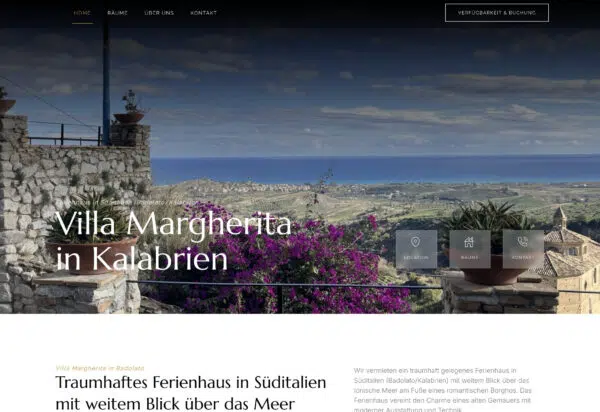
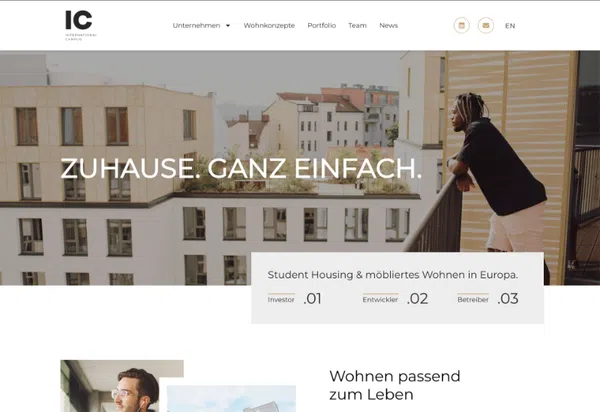
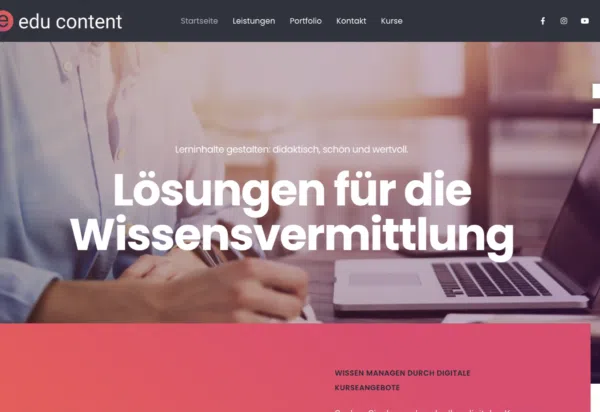
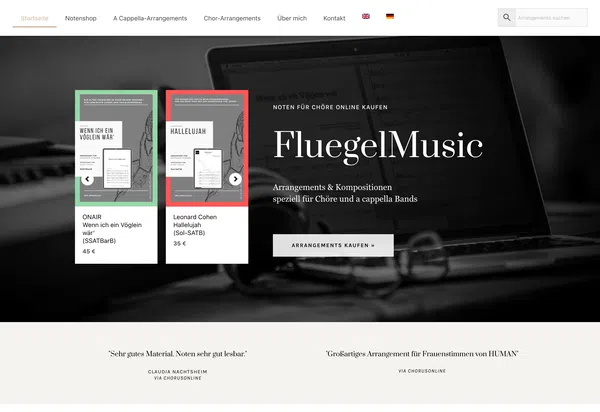
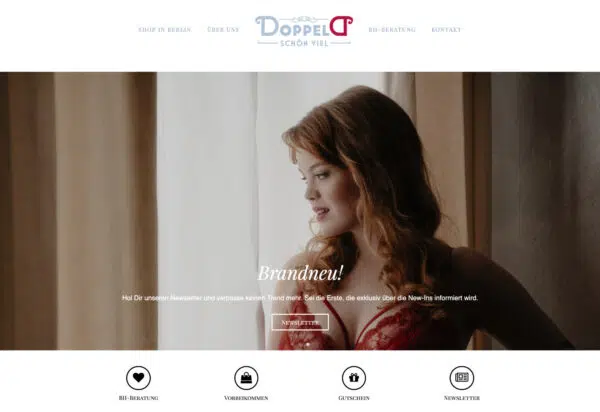
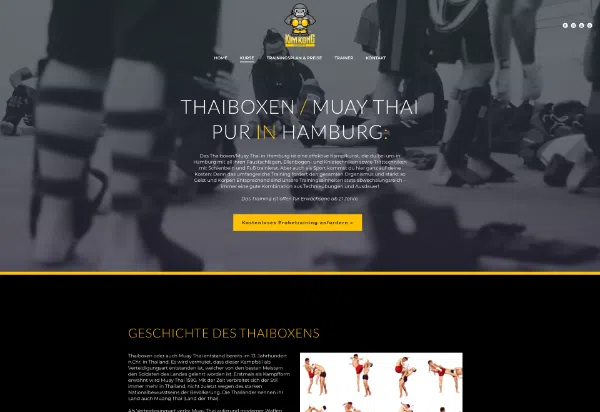
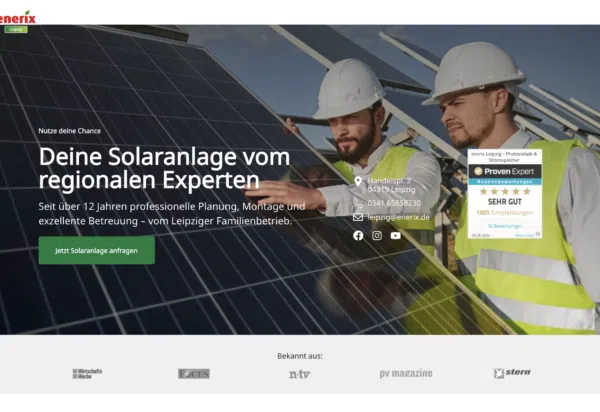
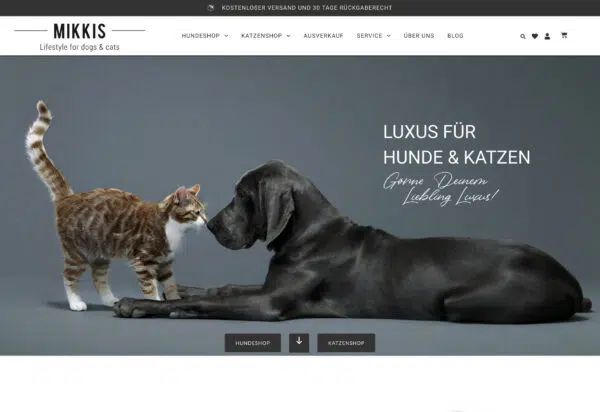
Web Design Examples: Here's What Your New Website Could Look Like

What My Clients Say

Let's talk about your switch to TYPO3

As part of the free assessment, I’ll review your TYPO3 instance and provide you with an honest evaluation of whether and how the switch would be worthwhile for you—with no obligation.
Attachments:

Frequently Asked Questions About Switching from TYPO3 to WordPress

For most small and medium-sized businesses, WordPress is the more cost-effective choice: easier maintenance, a vast market of service providers instead of reliance on a single agency, and no expensive versioning projects. TYPO3 really shines when it comes to enterprise-wide approval workflows and complex multi-client structures—but if you don’t need those features, you’ll end up paying for them without getting any benefit.

Yes—pages, news posts, images, and files are fully transferred. Special plugins don’t always have a direct equivalent; in such cases, their functionality is recreated using proven WordPress solutions. I’ll clearly outline what will be migrated and how during the initial assessment.

Google generally re-evaluates a migrated website—so fluctuations can never be completely ruled out. However, by using 301 redirects for every old TYPO3 URL, carrying over metadata, and monitoring the process through Google Search Console, I minimize the risk. After going live, I monitor the rankings and make adjustments if individual pages drop in rank.

Depending on the scope, this typically takes 3 to 8 weeks. Your existing TYPO3 website will continue to run without any restrictions—the switch will not take place until the new WordPress site has been fully tested.

A migration involves rebuilding your site in WordPress and is priced individually based on the number of pages—with a binding range estimate rather than a flat fee. Since the design, structure, and content already exist, you’ll save money compared to building a completely new website; it’s often worth taking advantage of the migration to give your site a design refresh. You’ll receive the exact scope after the free assessment—you can find approximate figures on the Costs page.

If you have group-wide approval workflows, complex multi-client setups, or strict enterprise requirements, and an internal team manages the instance, I honestly advise against making the switch—for most other websites, WordPress is the more streamlined solution.