Migrating from Jimdo to WordPress: Say Goodbye to the Website Builder

Has your Jimdo website builder become too limited? I'll migrate your website to WordPress—with a custom design, better SEO, and a website that truly belongs to you.

Jimdo is a good place to start: it’s quick to set up, affordable, and easy to use even without technical knowledge. But eventually, many people run into the same limitations—and the subscription keeps running while the website sits on a platform that doesn’t belong to you.

Why Jimdo Websites Eventually Fail

The modular system sets limits

Booking system, member area, multilingual support, or a custom layout: If Jimdo doesn't offer it, it's impossible. WordPress, on the other hand, scales to meet any requirement.

Hardly visible on Google

Limited SEO settings, little control over technology and structure: Jimdo sites rarely compete for top spots on Google. WordPress gives you all the tools you need to achieve real visibility.

The subscription is active—you don't own the website

Jimdo doesn't offer an export option: If you cancel your subscription, you lose your website. You're paying a recurring fee for a website that you never actually own. Once you've migrated, your WordPress website belongs entirely to you—including all of its content.

Jimdo vs. WordPress: A Comparison

Jimdo is a good place to start: it’s quick to set up, affordable, and easy to use even without technical knowledge. But eventually, many people run into the same limitations—the design can’t be further developed, the SEO potential has been exhausted, and the features they want simply don’t exist. And the subscription keeps running while the website sits on a platform that doesn’t belong to you.

Jimdo WordPress
Ownership of the Website Platform-specific, no export Belongs entirely to you
Design Template Limits Customizable, freely expandable
SEO Opportunities Basic Functions Full access to technology and structure
Features Extensive modular catalog Huge plugin ecosystem (store, booking, multilingual support)
Ongoing Costs Subscription, ongoing Hosting starting at approx. 5–25 €/month, no mandatory subscriptions

Fair is fair: For a simple business card website with no plans for growth, Jimdo may be enough. But as soon as visibility on Google, custom design, or new features become important, switching to WordPress is the logical next step—and I’ll transfer all your content over.

What's Involved in Migrating from Jimdo to WordPress

kicker_ablauf

Here's How to Move from Jimdo to WordPress

  1. Analysis & Binding Quote: I’ll review your Jimdo website and provide you with a binding quote that includes a range estimate—free of charge and with no obligation.
  2. Parallel Development & Design Replication: The new WordPress website is built in a protected environment—your design and templates are replicated individually, and your Jimdo site remains online throughout the process.
  3. Content Transfer: Text, images, and structure are transferred in their entirety and reviewed page by page—with linguistic updates provided upon request.
  4. Domain Transfer & Launch: Your domain will be transferred to the new hosting provider using an auth code, and old URLs will be redirected via 301.
  5. Training & Canceling Your Jimdo Subscription: You’ll learn how to maintain your new website—and your Jimdo subscription won’t be canceled until everything is up and running.

The Investment

How much does it cost to migrate from Jimdo to WordPress?

Migrating from Jimdo to WordPress is, technically speaking, a complete rebuild: Your content can be transferred, but the design and templates must be recreated individually in WordPress—a modular layout cannot be transferred 1:1. Pricing is calculated on a case-by-case basis based on the number of pages—with a binding range estimate rather than a flat fee.

Since your design serves as a template and the text and structure are already in place, you’ll save money compared to a completely new website—the time-consuming conceptual phase is largely eliminated, and Jimdo sites are usually compact anyway. The cost overview provides a sense of the price range (a new website starts at 2.490 € net).

Especially when moving away from a website builder, it’s often worth taking advantage of the transition to create a custom, fresh design right away—which is significantly more cost-effective than a separate relaunch later on. After the switch, you’ll no longer pay for a website builder subscription—just hosting and the domain (realistically €70–300 per year)—and the website will belong to you.

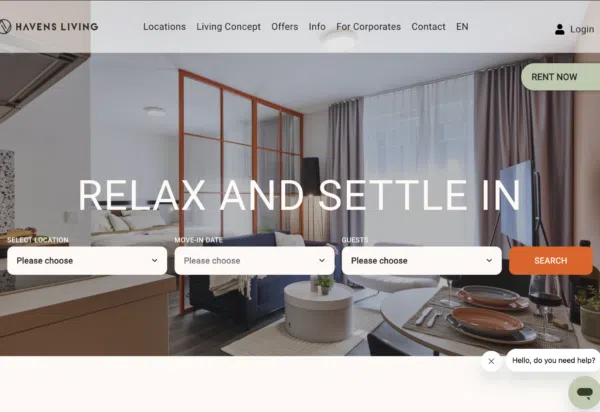
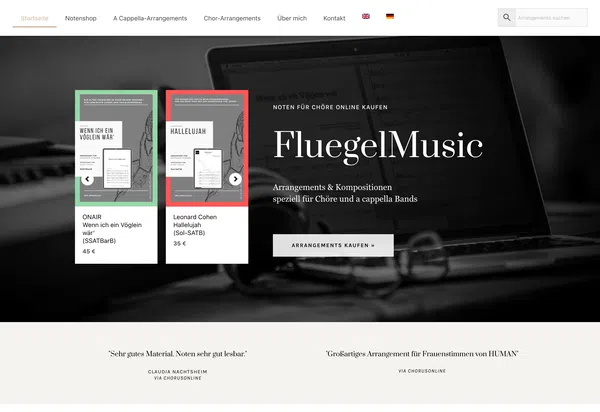
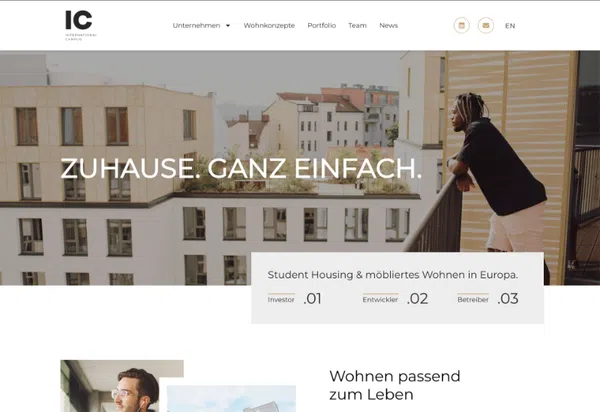
Web Design Examples: Here's What Your New Website Could Look Like

What My Clients Say

Let's talk about your Jimdo migration

During the free initial consultation, I’ll review your Jimdo website and give you an honest assessment of what the switch will cost and what benefits it will bring—with no obligation and without any technical jargon.
Attachments:

Frequently Asked Questions About Migrating from Jimdo to WordPress

Yes. Your domain belongs to you and can be transferred to any other provider using an auth code. I'll handle the entire transfer and coordinate it so that your website and email continue to function without interruption.

I will transfer all text, images, and the page structure in their entirety to WordPress and verify them against the original. The design and templates will be recreated from scratch—a modular layout cannot be transferred 1:1; I will rebuild forms and functions from scratch, usually making them more flexible than before.

There’s always some residual risk with any site migration, since Google re-evaluates the new website—temporary fluctuations are possible. However, since your domain remains the same and old URLs are redirected via 301, this risk can be significantly minimized. And because WordPress offers significantly more SEO options than Jimdo, the chances are good that you’ll become more visible in the medium term than before.

The migration involves rebuilding the site in WordPress: The content can be transferred, but the design and templates will be recreated individually in WordPress. Pricing is calculated on a case-by-case basis according to the number of pages, with a binding range estimate rather than a flat fee. Since your existing design serves as a template and Jimdo sites are usually compact, the effort involved remains manageable; it’s often worth updating to a fresh design at the same time. You’ll receive the exact price after the free review—you can find approximate prices on the Pricing page.

Usually not an ongoing cost: Hosting and the domain realistically cost €70–300 per year—comparable to a Jimdo Pro/Business subscription. The difference: The website belongs to you, there are no feature limitations, and I don’t require any mandatory subscriptions with the website builder.

Yes. When it comes to text, images, and new pages, WordPress with Elementor is just as easy to use—after a brief tutorial, you’ll be able to manage your website on your own. And if you ever get stuck, I’m here as your dedicated point of contact.